Rail Planet Performance Settings: RENDER_DIST, Glow, and Transparency Explained
Written and reviewed by: Moashoo Rail Planet Development Team
Tested build: 2026-10-12 production build · Tested on: Desktop Chrome on Windows, Mobile Chrome on Android
Language status: Original
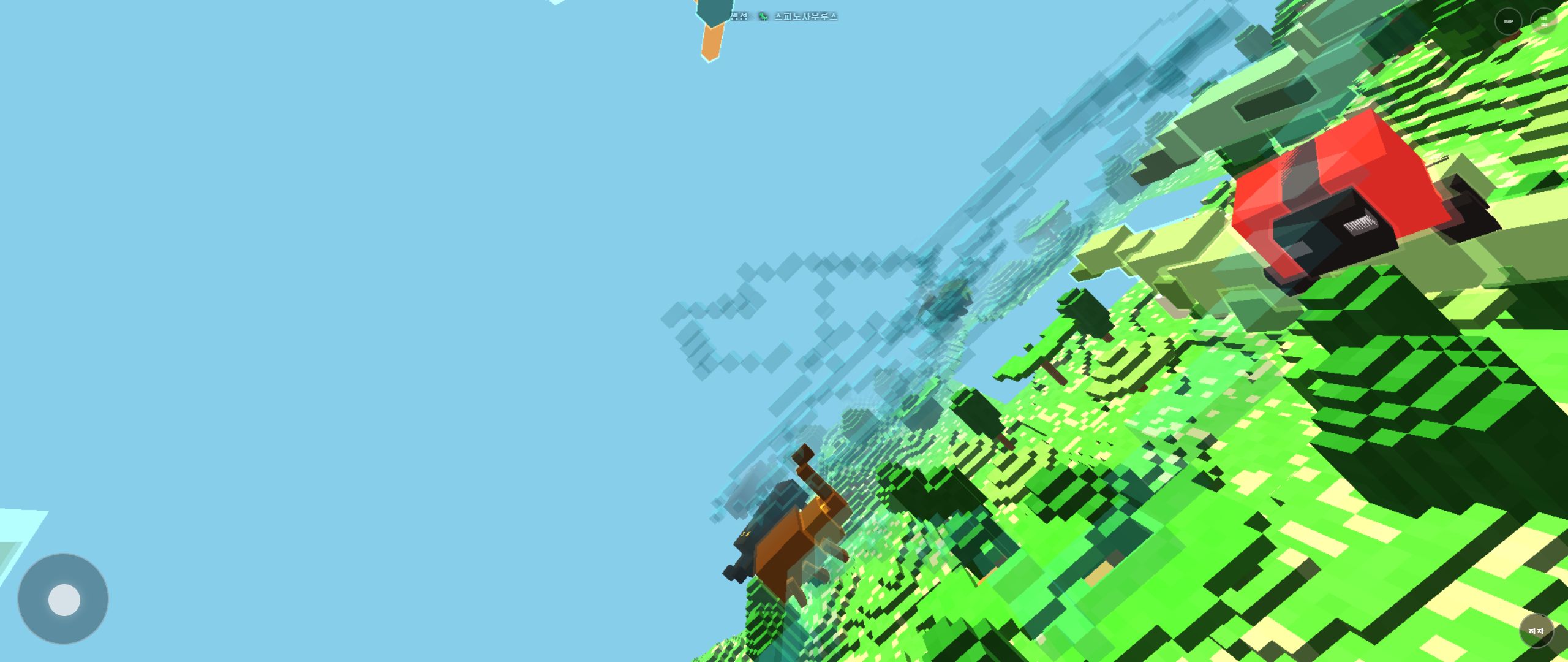
Rail Planet renders large city maps with hundreds of buildings, so frame rate depends heavily on three settings: render distance, object glow, and rail transparency. This guide explains what each one costs, the platform limits, and how to tune them for your device.
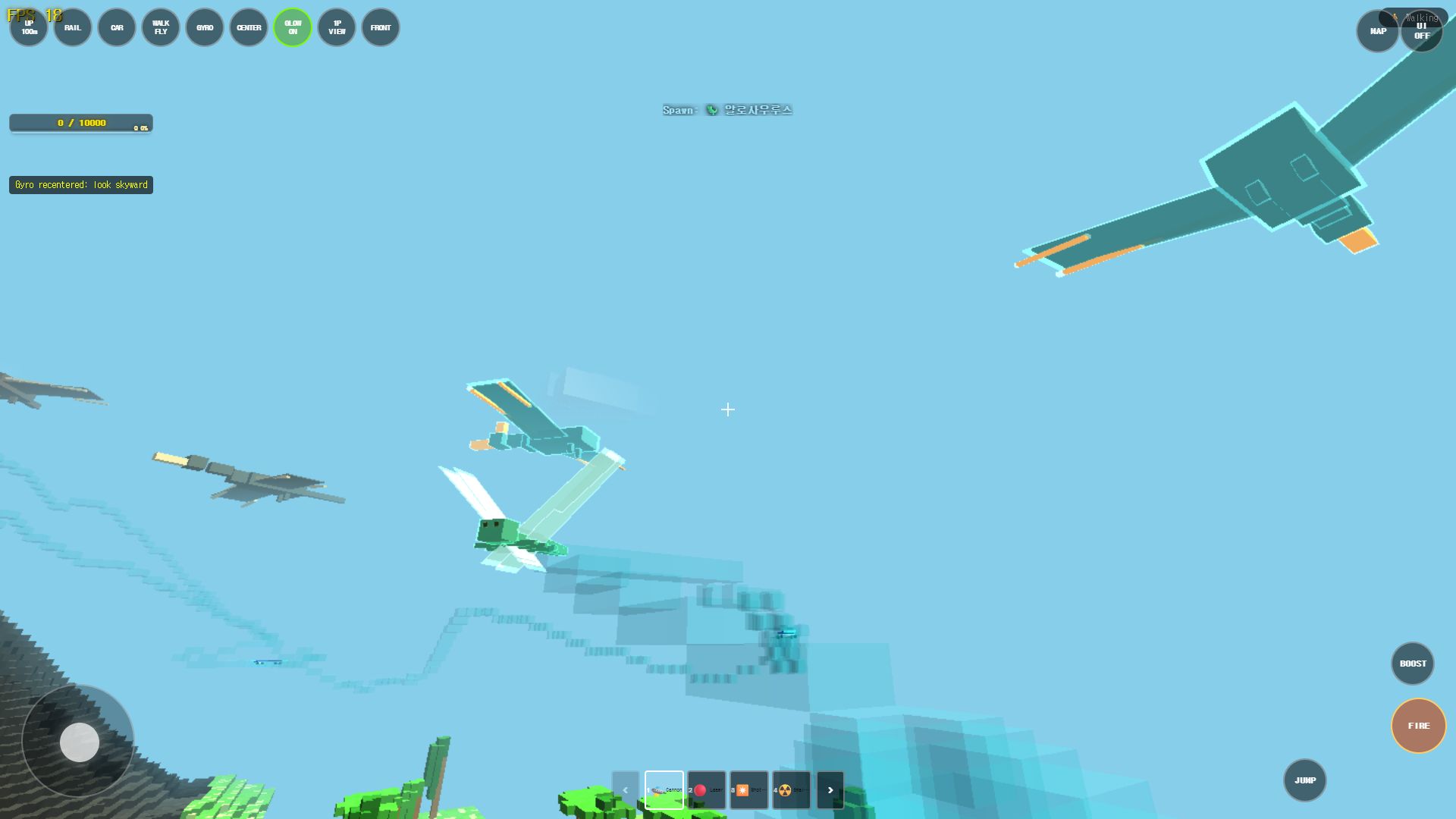
The three settings that matter
RENDER_DIST (render distance)
Controls how far away terrain and buildings stay visible. Higher values look better but cost more frames, especially in dense city maps where every extra chunk means more buildings.
Platform caps:
| Platform | Maximum RENDER_DIST | Notes |
|---|---|---|
| PC | 30 | Hard cap for the user slider |
| Mobile | 20 | Hard cap for the user slider |
| Mobile + Manhattan | 5 | Forced automatically for performance |
Start low (8–12) on a mid-range device and raise the value until the frame rate dips, then back off one step.
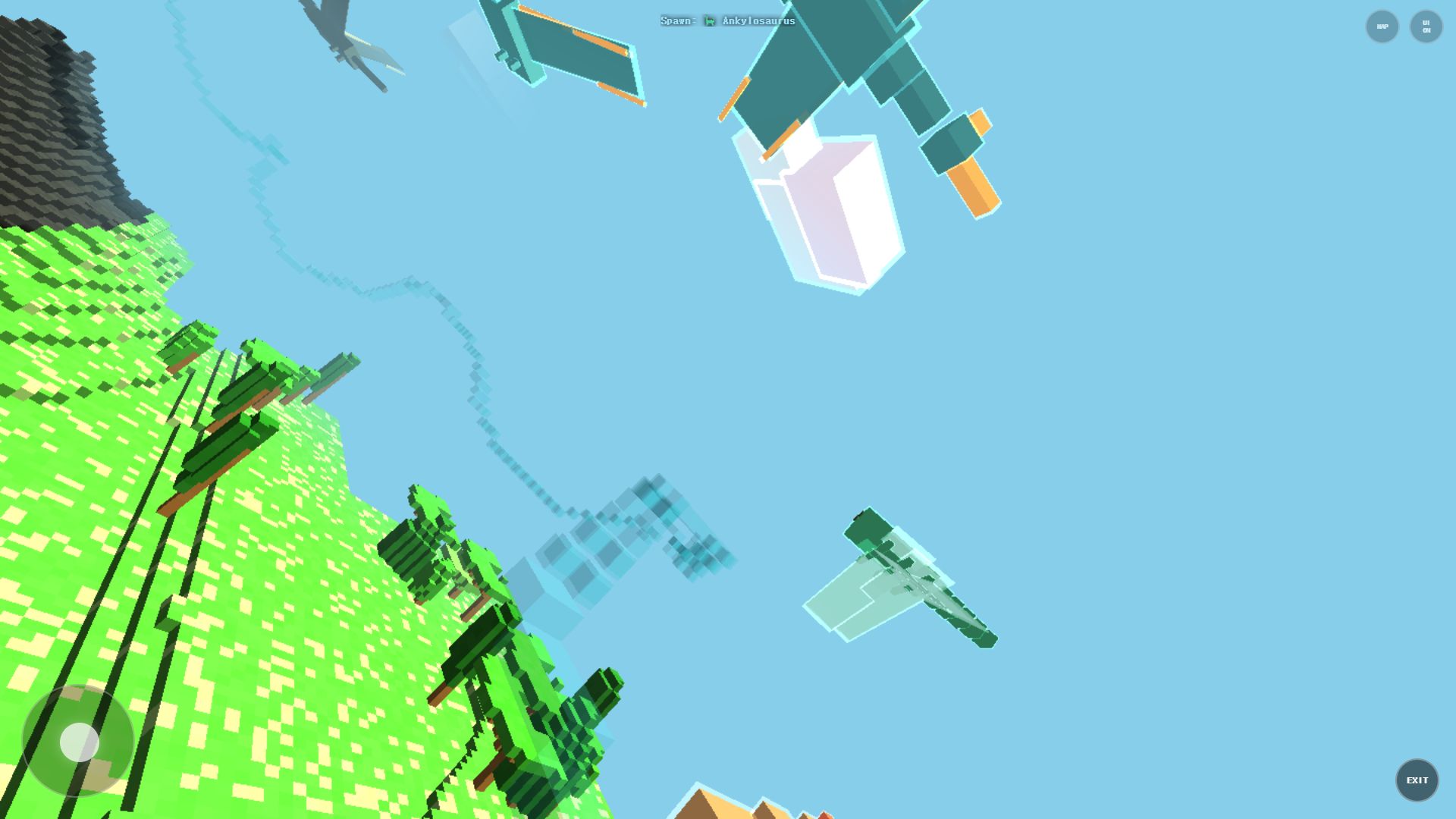
Object glow
Glow highlights landmarks and important objects. It is visually cheap in open areas but adds cost in cities with many glowing structures. New York behaves specially:
- During the day, glow defaults to OFF.
- At night, glow switches ON automatically.
- If you toggle it manually, your choice stays in effect.
If you need frames during daytime city play, leave glow off.
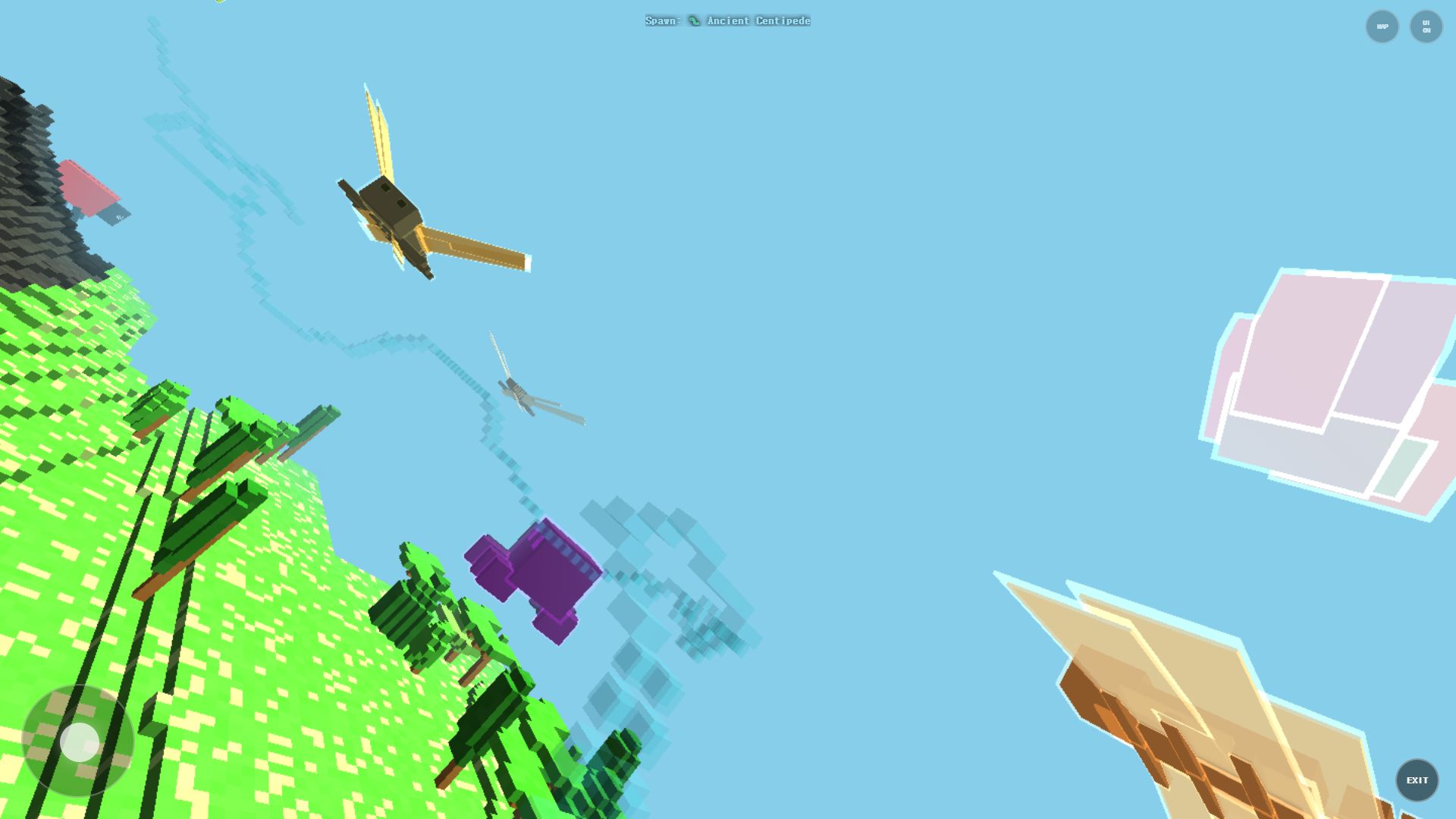
Rail transparency
Transparent rails are pretty but force alpha blending over large areas of the screen. In scenes where rails cross many buildings, lowering rail transparency is one of the cheapest ways to recover FPS.
Engine Workload Analysis Across 3 Map Profiles
The table below illustrates the relative rendering workload and chunk allocation across different world types in the production WebGL engine. These ratios reflect how geometric complexity scales with view distance:
| Map Profile | RENDER_DIST | Glow State | Rail Alpha | Geometric Load | Draw Overhead | Target Experience |
|---|---|---|---|---|---|---|
| Manhattan (Dense Urban) | 30 (PC max) | ON | 100% | Very High | Heavy | Full skyline fidelity (Dedicated GPU recommended) |
| Manhattan (Dense Urban) | 16 (PC rec) | AUTO | 60% | Moderate | Moderate | Balanced desktop exploration (Smooth baseline target) |
| Manhattan (Mobile) | 5 (Capped) | OFF | 20% | Low | Minimal | Stable mobile baseline without thermal throttling |
| Iceland Volcano (Nature) | 24 (High) | AUTO | 80% | Moderate | Moderate | Expansive terrain visibility |
| Iceland Volcano (Nature) | 12 (Mid) | OFF | 40% | Low | Low | Smooth budget profile |
| Moon Crater (Space) | 30 (Max) | N/A | 100% | Low | Minimal | Sparse crater landscape with minimal occluder overhead |
Key takeaway: In dense city maps like Manhattan, reducing RENDER_DIST from 30 to 16 significantly cuts active chunk geometries, providing an immediate reduction in frame time volatility.
Memory Recovery: Chunk Pruning & Geometry Flush
As you travel across extensive voxel terrain on rails or in high-speed flight, the engine dynamically instantiates new chunk meshes. To prevent out-of-memory crashes on mobile browsers with limited VRAM:
- Distance-Based Chunk Pruning: Chunks exceeding
RENDER_DIST + 4radius are unmounted and transferred to an object reuse pool, avoiding repeated garbage collection pauses. - Destruction Voxel Flush: When large structures collapse or small nukes carve craters, debris particles are culled after 4 seconds and the underlying chunk geometry is rebuilt in a single batched buffer update.
Recommended starting profiles
Low-end mobile:   RENDER_DIST 6–8,   glow OFF, rail transparency LOW
Mid-range mobile: RENDER_DIST 10–14, glow AUTO, rail transparency MEDIUM
Desktop / PC:     RENDER_DIST 16–24, glow AUTO, rail transparency HIGH
High-end PC:      RENDER_DIST up to 30, everything high
How to tune in practice
- Load the map you play most (Manhattan is the heaviest common case).
- Fly to a dense area — between buildings, not above the park.
- Watch the frame rate, then lower one setting at a time: render distance first, transparency second, glow third.
- Stop as soon as movement feels smooth; do not chase maximum visual quality in dense zones.
Dense city scenes are the right benchmark. If the game runs smoothly between skyscrapers, it will run smoothly everywhere else.
A note on the Manhattan mobile rule
On mobile devices the Manhattan map forces RENDER_DIST=5 automatically. This is not a bug — Manhattan packs far more buildings than the other maps, and the forced value keeps the map playable. Other maps on the same device keep your normal slider range.
Frequently asked questions
Q. What is the maximum render distance on PC?
- The settings slider is capped at 30 on PC, while mobile tops out at 20.
Q. Why does my mobile device show RENDER_DIST 5 in Manhattan?
The Manhattan map forces render distance to 5 on mobile for performance. Your setting applies normally on every other map.
Q. Does object glow hurt FPS?
Mostly in dense city scenes with many glowing landmarks, and at night when it switches on automatically in New York. Turning it off is a real FPS saving there.
Q. Which single setting gives the biggest FPS gain?
Render distance. It controls how much of the city the game keeps active at once, so lowering it helps more than any visual toggle.
Play the related Rail Planet maps
Continue from this field-tested guide into the original browser game developed by Moashoo.
Related guides
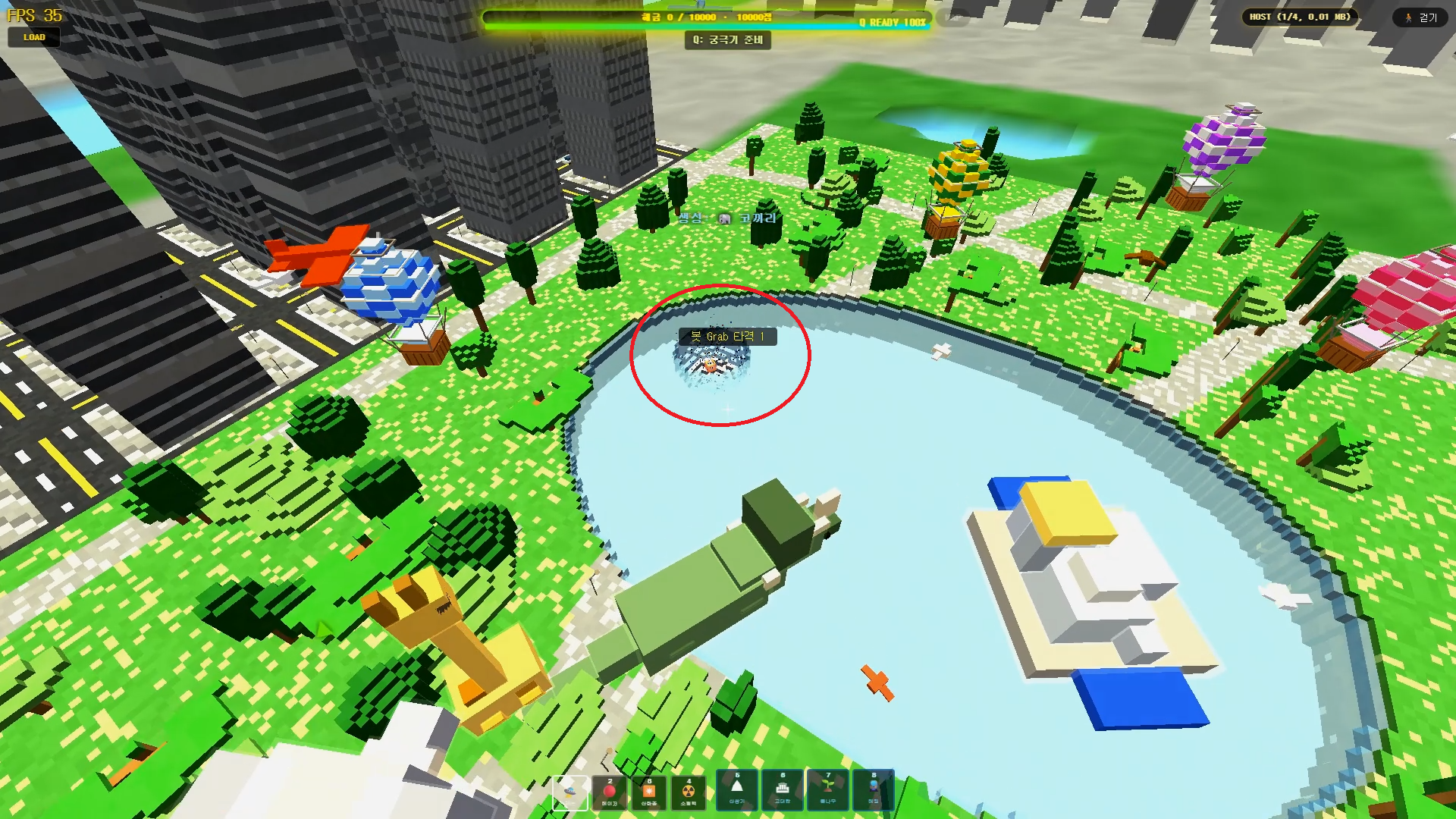
Rail Planet Close-Combat Guide: Grab, Lift, and Throw an Enemy Into the Sky
Rail Planet is not just a shooting game. Learn how the close-combat Grab system works — snap back at a target, chain vertical jumps, and slam an enemy into the ground or a lake. Works against bots and multiplayer players, with no eliminations and no end to the fun.
Read guidearrow_forward
How to Report Bugs and Issues in Rail Planet
How to report reproducible bugs in Rail Planet, along with resolved engineering notes, known platform behaviors, and memory optimization insights.
Read guidearrow_forward
Rail Planet Controls: Walk, Fly, Drive, and Ride the Rails
Master Rail Planet's movement and combat: two distinct spawn modes, walking, flying, vehicle driving, automatic rails, weapons, and terrain skills. Tested on the October 12 menu build.
Read guidearrow_forward